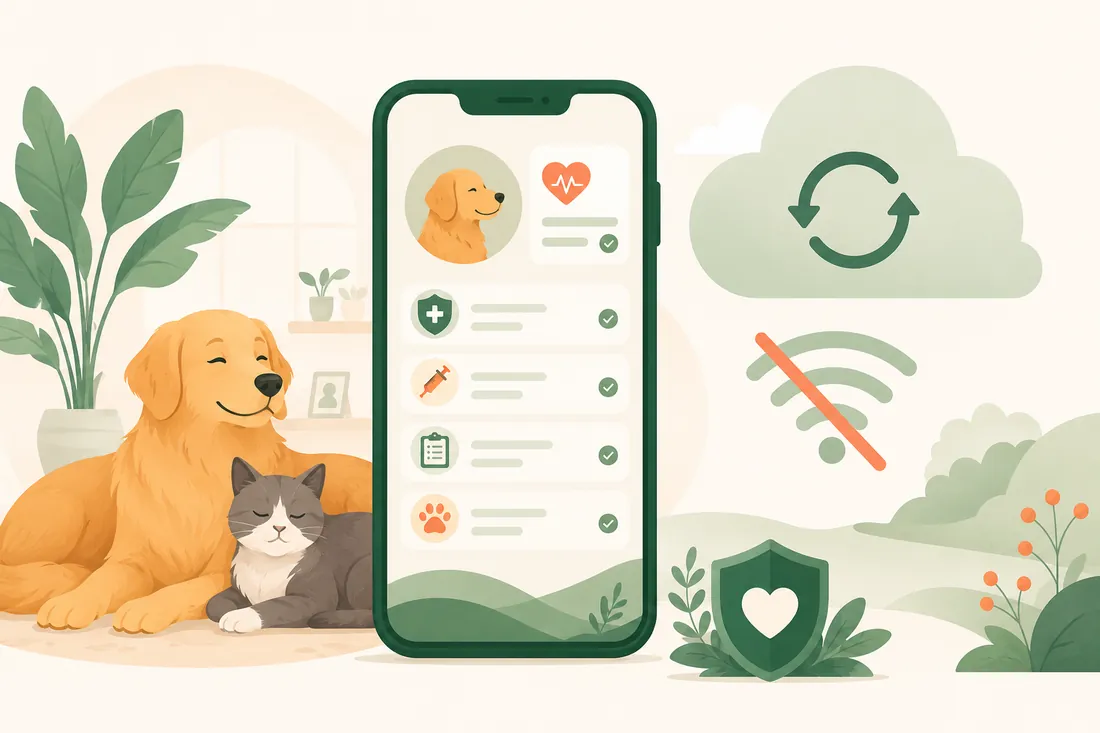
Why offline-first matters for your pet's records
Most apps today assume a constant internet connection. Open a page, it loads data from a server. Submit a form, it goes straight to the cloud. If the connection drops, things break: you see a spinner, an error, or a blank screen.
For many apps, this is a minor inconvenience. For a pet health app, it can be a real problem.
When you need records most
Think about the moments when you actually need to look up your pet’s vaccination certificate, their last vet visit, or the medication they are currently on:
- At the vet clinic, possibly with patchy building Wi-Fi
- At a boarding facility during drop-off
- On a walk when your dog eats something suspicious and you need to check their health history quickly
- Travelling internationally, where data roaming is expensive or unavailable
- In a rural area with limited mobile coverage
These are exactly the moments when a cloud-dependent app fails you. And they are exactly the moments when having that information matters most.
What offline-first actually means
Offline-first is a design approach where the app is built to work completely without an internet connection, and syncing is treated as a background process rather than a requirement.
In a cloud-first app, the server is the source of truth. The app asks the server for data, and if the server is unreachable, there is no data.
In an offline-first app, the device is the source of truth. All your data lives locally. The app reads from and writes to local storage, and sync happens whenever a connection is available. The network is a nice-to-have, not a requirement.
This distinction matters more than it might seem at first.
Your records belong to you
There is also a deeper principle here. When an app only stores data on a server, you are depending on that service to remain available, to keep your account active, and to not change their terms in ways that affect your access.
With an offline-first design, your pet’s records exist on your device. You are not renting access to your own data.
This matters for privacy too. Data that lives primarily on a device has a smaller attack surface than data that is perpetually in motion between a client and a server. When sync does happen, it should be encrypted in transit and stored securely.
Sync without the worry
Offline-first does not mean no sync. Most people with multiple devices, or who share pets with a partner or family, benefit from having records available everywhere.
The key is that sync is additive, not foundational. When you come back online, changes you made on your phone sync to the cloud and then to other devices in your household. If sync fails for any reason, your local records are unaffected. You have not lost anything.
This is the approach Maggie takes. Every pet record, vaccine log, and health event is stored on your device first. When you have a connection, Maggie syncs securely to a cloud backend so your household stays in sync and you have a backup. But if the connection drops, the app keeps working as normal. You can still log events, view your pet’s history, and check upcoming reminders.
Reminders that do not need the cloud
Phone notifications in Maggie are driven by schedules stored on the device, not fetched from a server at notification time. That means your reminder for next week’s flea treatment will fire even if your phone has been in aeroplane mode for days.
Small detail. Significant in practice.
Why this is the right default for health records
Health records are not casual data. They are information you may need urgently, in situations where a connectivity problem is the last thing you want to deal with. They are also personal, often involving your pet’s medical history and your household’s usage patterns.
Building offline-first is a more complex engineering choice. It requires handling local state, conflict resolution, and syncing correctly. But it produces a more trustworthy, more resilient app, one that works for you in the moments that matter.
That is the kind of app Maggie aims to be.